Orchestrator
Build, run, and manage AI-powered workflows visually — connect 15+ integrations, trigger via webhooks, and export production-ready code.
Orchestrator is a visual workflow builder that lets you design multi-step AI automations, connect external services, and run them via manual triggers or webhooks — all from a drag-and-drop canvas.
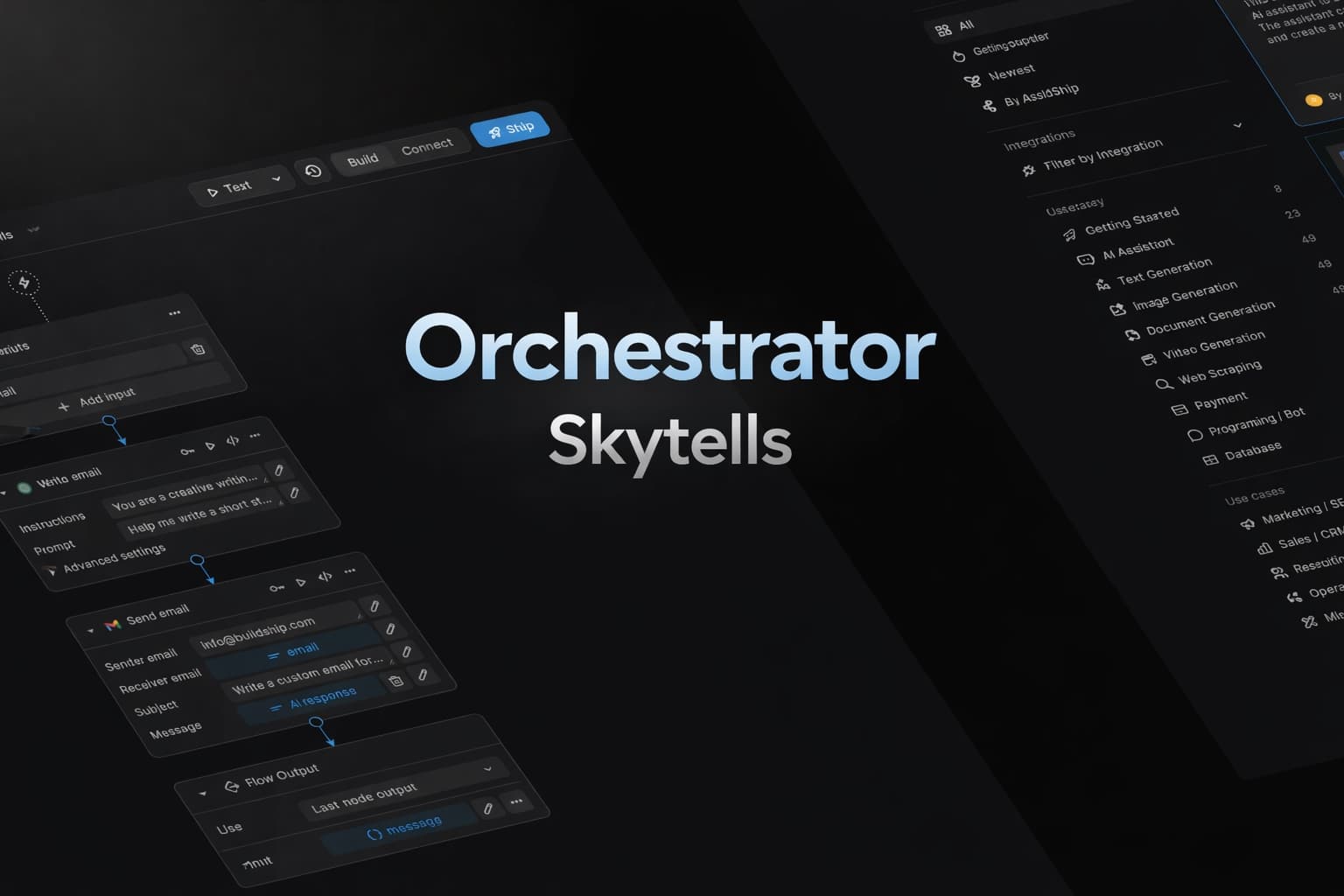 Our flagship product, Orchestrator, is a visual workflow builder that lets you design multi-step automations combining Skytells models, external APIs, and custom logic — all without code. It's the central control plane for advanced agentic workflows across Skytells and leading AI providers.
Visit orchestrator.skytells.ai to get started. You'll need a Skytells account.
What You Can Do
- Design workflows visually — Drag trigger and action nodes onto a canvas, connect them, and configure each step.
- Use 45+ built-in actions — Generate text, images, and video with Skytells models. Send Slack messages, create GitHub issues, send emails, run web searches, and more.
- Trigger manually or via webhook — Test workflows from the editor, or expose them as webhook endpoints for production automation.
- Pass data between steps — Reference any previous step's output using template variables like
{{@nodeId:Label.field}}. - Branch with conditions — Add condition nodes to route execution based on expressions.
- Connect integrations securely — Store provider credentials encrypted, test connections before use, and attach them to workflow actions.
- Monitor every run — View execution history, per-step status, inputs, outputs, and errors.
- Export as code — Generate TypeScript SDK code or download a complete Next.js project.
- Generate workflows with AI — Describe what you want in natural language; Orchestrator builds the workflow for you.
Orchestrator has its own API keys (prefixed wfb_) that are separate from Skytells API keys. Orchestrator keys authorize webhook execution. Skytells keys are stored as integration credentials and used by Skytells actions inside workflows.
Documentation
Quickstart
Create and run your first workflow in minutes.
Workflow Editor
Learn the canvas, toolbar, nodes, edges, and autosave.
Triggers
Manual, Webhook, and Schedule trigger configuration.
Actions Catalog
Complete list of 45+ actions across 15 integrations and 3 system actions.
Integrations
Connect providers, store credentials securely, and test connections.
Variables & Conditions
Template variable syntax and condition-based branching.
Execution & Logs
Run workflows, track status, and inspect step-level logs.
API Keys
Orchestrator keys vs Skytells keys — what goes where.
Webhooks
Expose workflows as webhook endpoints for external systems.
AI Generation
Build workflows from natural language descriptions.
Code Export
Generate TypeScript code or download a full Next.js project.
API Reference
Complete REST API for workflows, executions, integrations, and keys.
How is this guide?